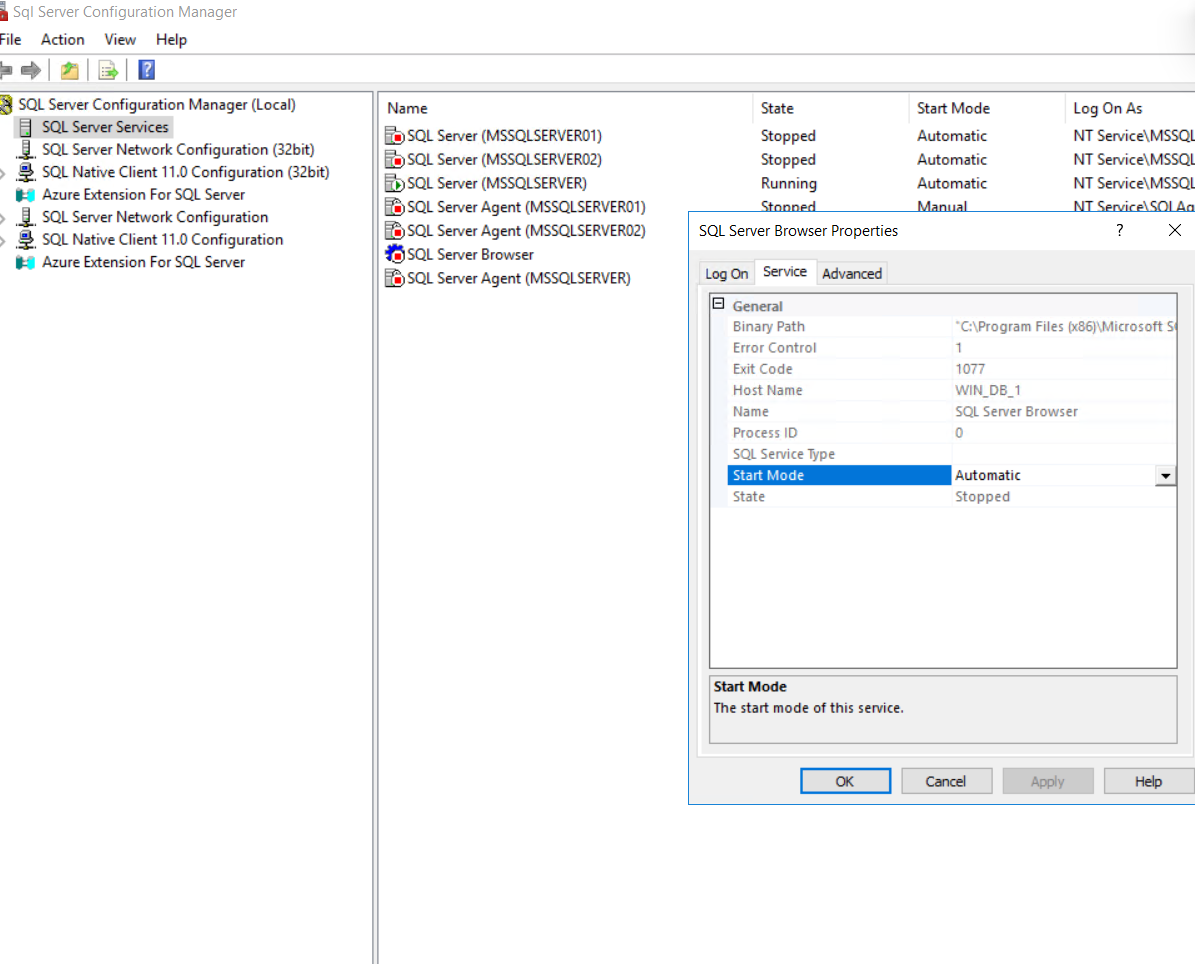
Phần 1: Cài đặt máy chủ(host) và máy ảo(VM)
Host cài win 11 pro workstation
Link dow file .iso hệ điều hành win SV và Unbutu (lưu ý tìm và tải file bản 24) hoặc dùng lệnh để update từ bản thấp lên bản 24 mới nhất nếu lỡ cài bản cũ
sudo do-release-upgrade
Link win server 2022: cài bản Standar Evaluation (desktop Experience) bản có giao diện
https://1drv.ms/u/c/94e6b4be2c73b05d/EZiPHghbaGtAo75kF0hdAvwBx_MRY6ykErxxuYdrtlEUzA?e=wvvdg4
Link Win 11 ( cài bản Win 11 pro workstation) + Unbutu:
https://drive.google.com/drive/folders/1hCaNjpYsNYW31pZOna7aPVBg97RA4aaX?usp=sharing
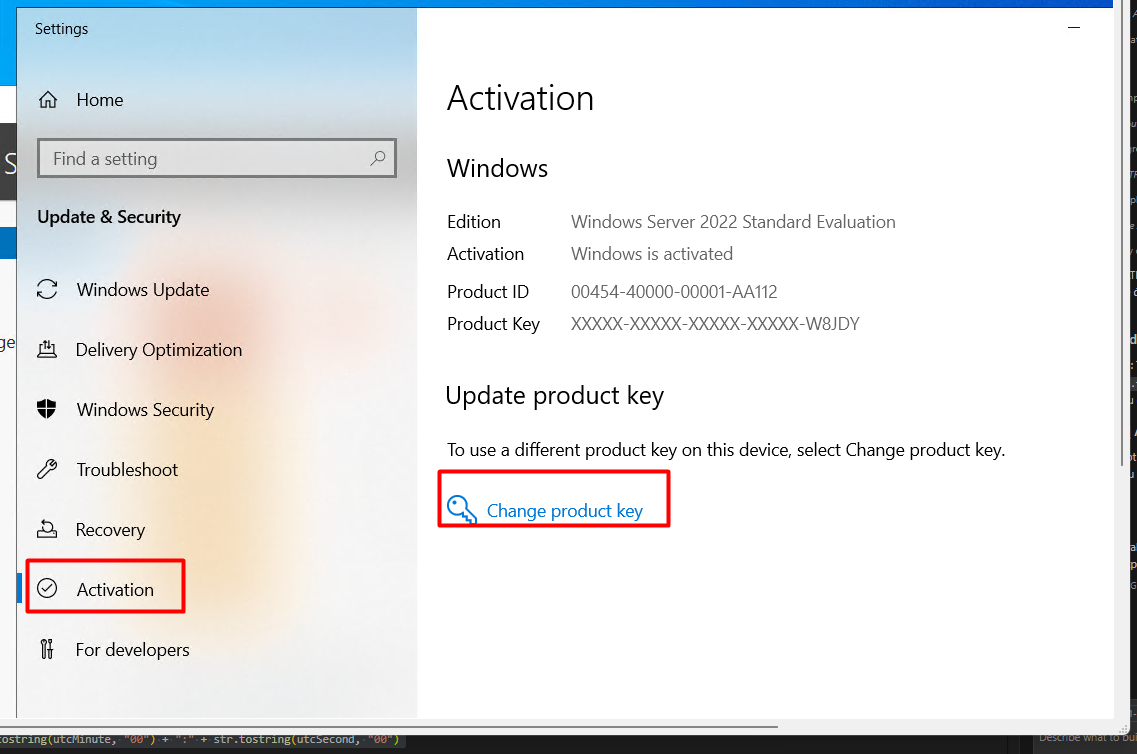
Cài bản Windows Server 2022 Standard Evaluation (Desktop)
Key mạc định VDYBN-27WPP-V4HQT-9VMD4-VMK7H
Video hướng dẫn Hyper-V (tham khảo): https://www.youtube.com/watch?v=6EuiZKWJD7Y
Hướng dẫn cài win server 2016: https://baotrimaytinhhanoi.com/huong-dan-cai-dat-windows-server-2016-chi-tiet-bang-hinh-anh
Hướng dẫn Chuyển đổi và Kích hoạt Windows Server 2022 Standard từ Standard Evaluation
- Mở Command Prompt (hoặc PowerShell) với quyền Administrator.
- Gõ lệnh sau và nhấn Enter:
DISM /Online /Set-Edition:ServerStandard /ProductKey:VDYBN-27WPP-V4HQT-9VMD4-VMK7H /AcceptEula
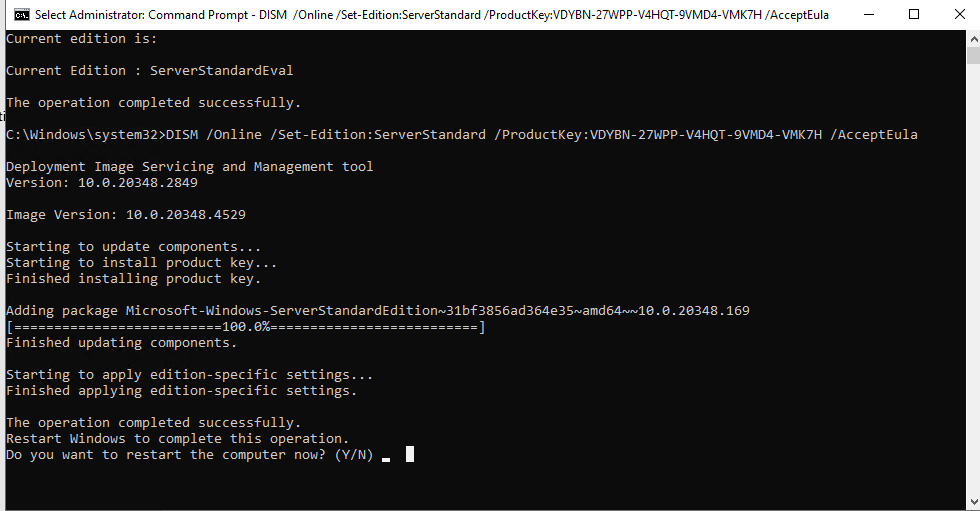
NhấnY và reset lại là xong!
link thuốc trường sinh: Inbox
hướng dẫn xài thuốc: Chạy với quyền admin → chọn số 2 → chọn số 2→ chọn số 1 tiếp tục là xong
Hướng dẫn cài đặt Ubuntu: https://dotrungquan.info/huong-dan-cai-dat-ubuntu-server-24-04-lts/
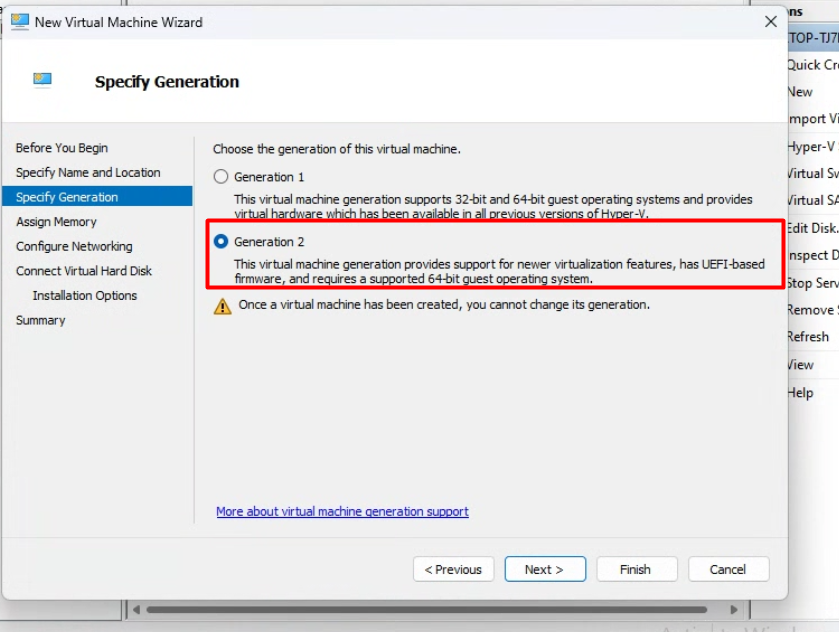
Yêu cầu: Sử dụng Hyper-V để tạo máy ảo ( lưu ý khi chọn Specify Generation 2)
Cấu hình máy ảo:
- 1x DB : 3CPU 8GB Ram 50GB: cài SQL server
- 1x OG: 3CPU 8GB Ram 50GB: cài ubuntu
- 4x OF: 2CPU 6GB Ram 35GB
Phần 2: cài đặt WireGuard -VPN
Mục đích: Thiết lập WireGuard kiểu remote‑access VPN để máy bên ngoài có thể RDP thẳng vào host và VM qua IP 10.11.12.x
Thống nhất chung về IP
- host IP 10.11.12.5
- DB 10.11.12.6 hoặc .7
- OG 10.11.12.8 hoặc .9
- OF 10.11.12.10 trở đi
Show lại key đã active trước khi cài lại win
CMD Command Prompt và chọn Run As Administrator
wmic path SoftwareLicensingService get OA3xOriginalProductKey
Hoặc
Windows PowerShell
(Get-WmiObject -Query 'SELECT * FROM SoftwareLicensingService').OA3xOriginalProductKey